How to Pack Electronics and TVs for a Move
How to pack TVs, computers and other electronics for moving: photos of cables, original boxes, padding and what to carry yourself.
Take a photo of your cable setup, back up your data, and pack each device in its original box if you still have it. If you do not, use a sturdy box with plenty of padding, keep TVs upright and never stack anything on a screen. Carry laptops, hard drives and anything irreplaceable with you.
What should I do before unplugging?
- Photograph the back of each device and cable setup so reassembly is easy.
- Back up data from computers, phones and external drives, and keep a copy off site or in the cloud.
- Label cables with tape or coloured stickers, and bundle each device’s cables with it.
- Remove batteries and discs, and secure moving parts such as turntable arms.
How do I pack a TV?
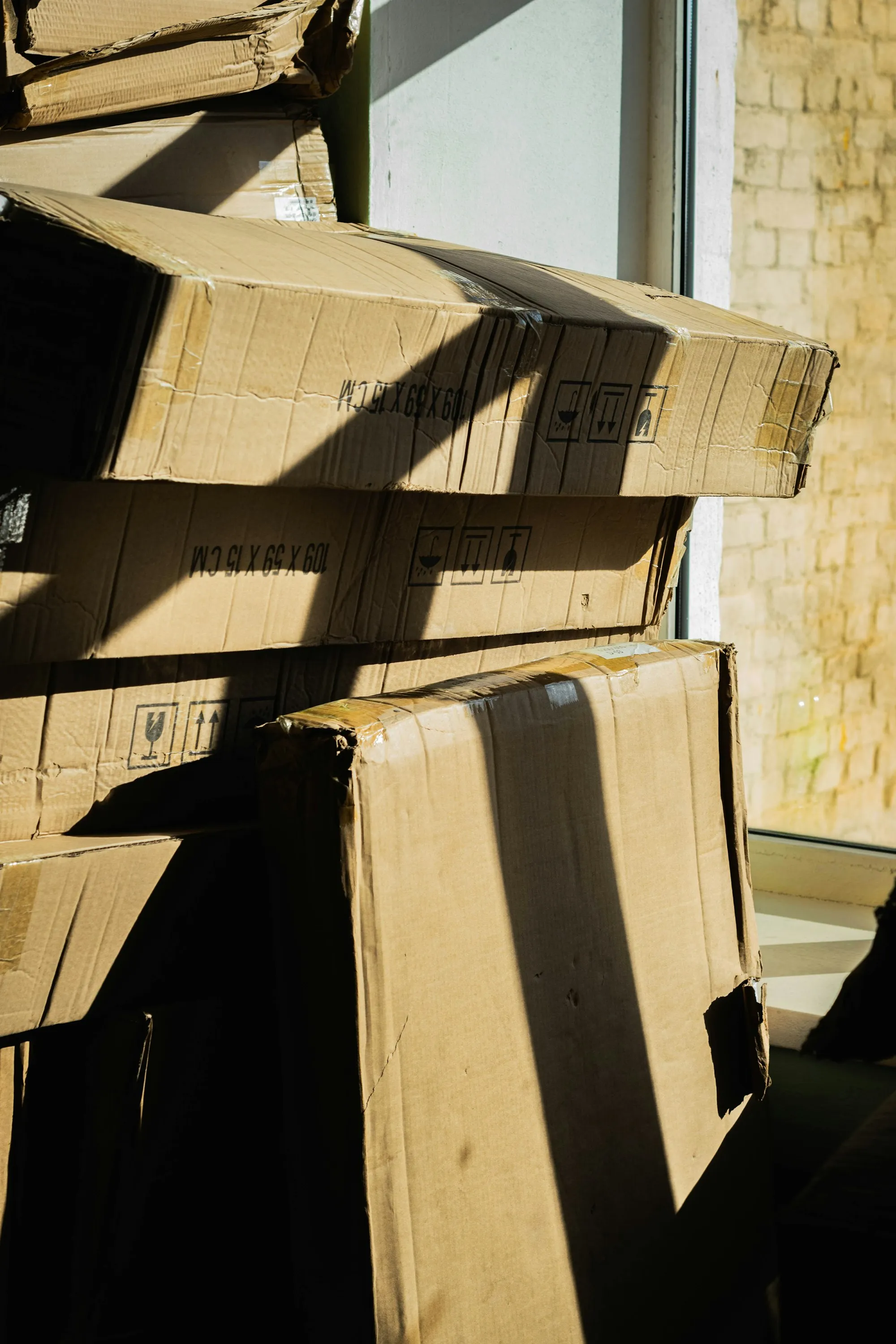
- If you still have the original box and foam, use it.
- If not, use a TV box or a sturdy flat box, or a purpose-made TV carton.
- Wrap the screen in a soft blanket or foam, and avoid pressing hard on the glass.
- Tape the wrapped TV so it does not shift, and keep it upright in the box.
- Mark the box FRAGILE and THIS SIDE UP, and say it is a TV.
Always move and store a TV upright, never lying flat, and avoid placing heavy items on top.
How do I pack computers and small electronics?
Use the original boxes if you can. Otherwise, wrap each device in bubble wrap or a soft cloth, place it in a box with at least a few centimetres of padding on every side, and fill the gaps with paper. Keep chargers and cables in a labelled bag.
What about game consoles, speakers and printers?
Pack consoles and printers like computers, with their cables. Remove ink cartridges from printers. Wrap speakers individually and keep their cones protected. Pack the heaviest item at the bottom of any box.
What should I carry myself?
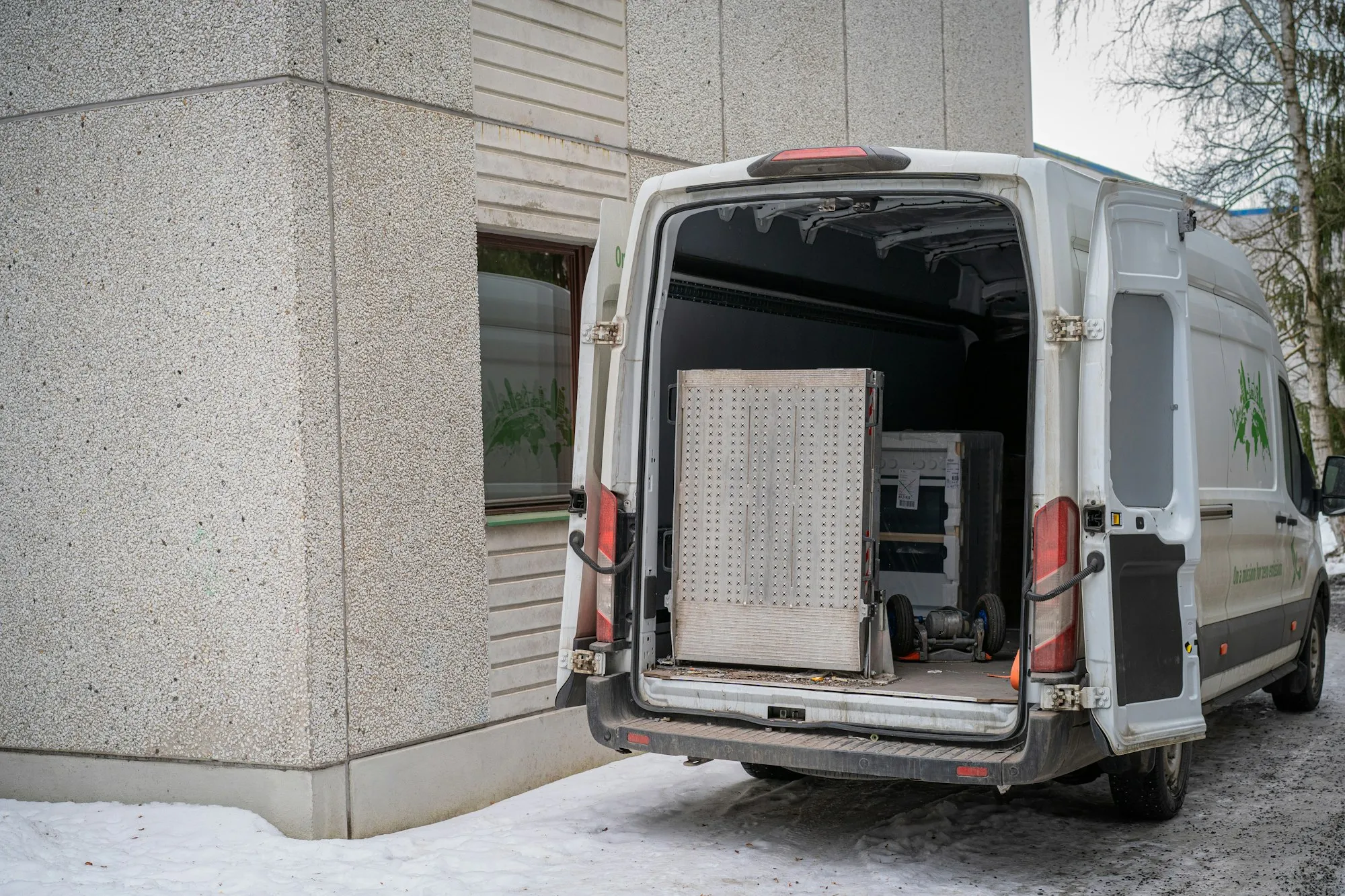
Laptops, phones, hard drives, passports, chargers and anything that would be hard to replace. Put them in a bag in your own vehicle, not on the truck.
Cold weather tip
In a Canadian winter, let electronics warm to room temperature before turning them on, to avoid condensation. See our guide to moving in winter.
Need help?
Our crew wraps and moves TVs and electronics every week. Ask for a quote and mention any large or valuable items.